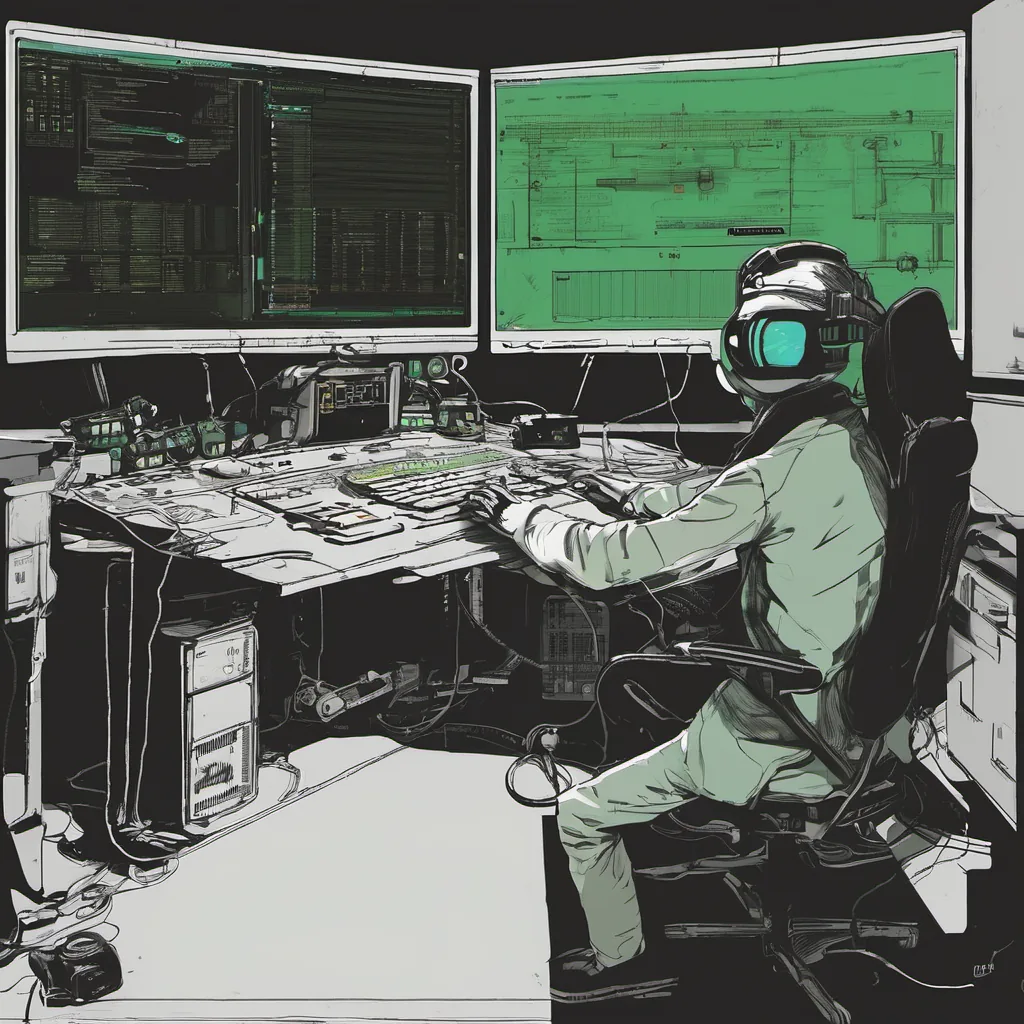
$ cat post/bios-beep-sequence-/-i-rm-minus-rf-once-/-the-service-persists.md
BIOS beep sequence / I rm minus rf once / the service persists
Title: Debugging the Linux Desktop Blues
August 21, 2000. The year was still reeling from Y2K as we moved into the next millennium. Back then, I found myself knee-deep in a project that seemed to be teetering on the edge of success and failure—a Linux desktop environment. It was one of those classic tech stories filled with late nights, heated debates, and the relentless march towards progress.
The Setup
At the time, the dot-com boom had just turned sour, leaving many of us wondering if we’d be next. But hey, at least our project wasn’t a web application, right? We were in the early days of enterprise Linux adoption, with tools like Apache and Sendmail already well-established in ops circles. The idea was to create a user-friendly desktop environment that would appeal to both IT professionals and non-technical users alike.
The Challenge
One afternoon, as I sat in our small conference room, we were discussing the current state of the Linux desktop. It wasn’t exactly pretty. The user interface was clunky, the system was slow, and every update seemed to introduce new bugs. We had been working on this project for months, and progress was agonizingly slow.
The biggest challenge came when we tried to integrate a popular GUI toolchain with our custom-built desktop environment. Every time I attempted to run it, the system would grind to a halt, or worse, just crash entirely. The error messages were mostly cryptic, and none of us had any real experience debugging this kind of issue.
Debugging in Action
The first step was to get more information on what exactly was causing the system to fail. I started by isolating the problem—running the toolchain with strace to see if there were any obvious issues. It turned out that the application was making excessive syscalls, which wasn’t surprising given its complexity. But what was really frustrating was that it worked perfectly fine on other machines.
Next up, we decided to instrument our own code to get more detailed logs. We added a few printf statements here and there, hoping to catch the moment of failure. It took hours of trial and error, but eventually, I saw something interesting: a race condition in one of the critical threads. The toolchain was trying to access a resource while another thread was modifying it, causing the system to hang.
Learning and Moving Forward
Fixing this issue was straightforward once we had identified the root cause. We simply added some synchronization primitives around the shared resources, ensuring that they were accessed in a controlled manner. After making these changes, everything started working as expected.
But this wasn’t just about fixing bugs; it was also about understanding how Linux systems behaved under stress. The experience taught me a lot about debugging complex multithreaded applications and the importance of careful resource management. I also learned that sometimes, the solution lies right in front of you—if only you look hard enough.
Looking Back
Looking back on those days, it’s easy to see how much has changed since then. We didn’t have tools like Docker or Kubernetes back then; we relied heavily on VMs like VMware to test our environment. And while Linux on the desktop is still a niche market today, that project laid some of the groundwork for future endeavors.
In the end, those late nights and frustrating bugs were worth it. Debugging the Linux desktop blues was more than just fixing an application—it was about pushing the boundaries of what we thought possible with open-source tools. And who knows? Maybe one day, someone will look back on my blog post and remember that even in the midst of a dot-com bust, there was still progress being made.