$ cat post/linux-on-the-desktop:-a-leap-of-faith.md
Linux on the Desktop: A Leap of Faith
July 17, 2000. I remember it like yesterday—well, actually, more like today minus a few years. It was the summer before my senior year in college, and I had just landed an internship at a small startup that was looking to leverage open-source technologies to save on licensing costs while building a web-based product.
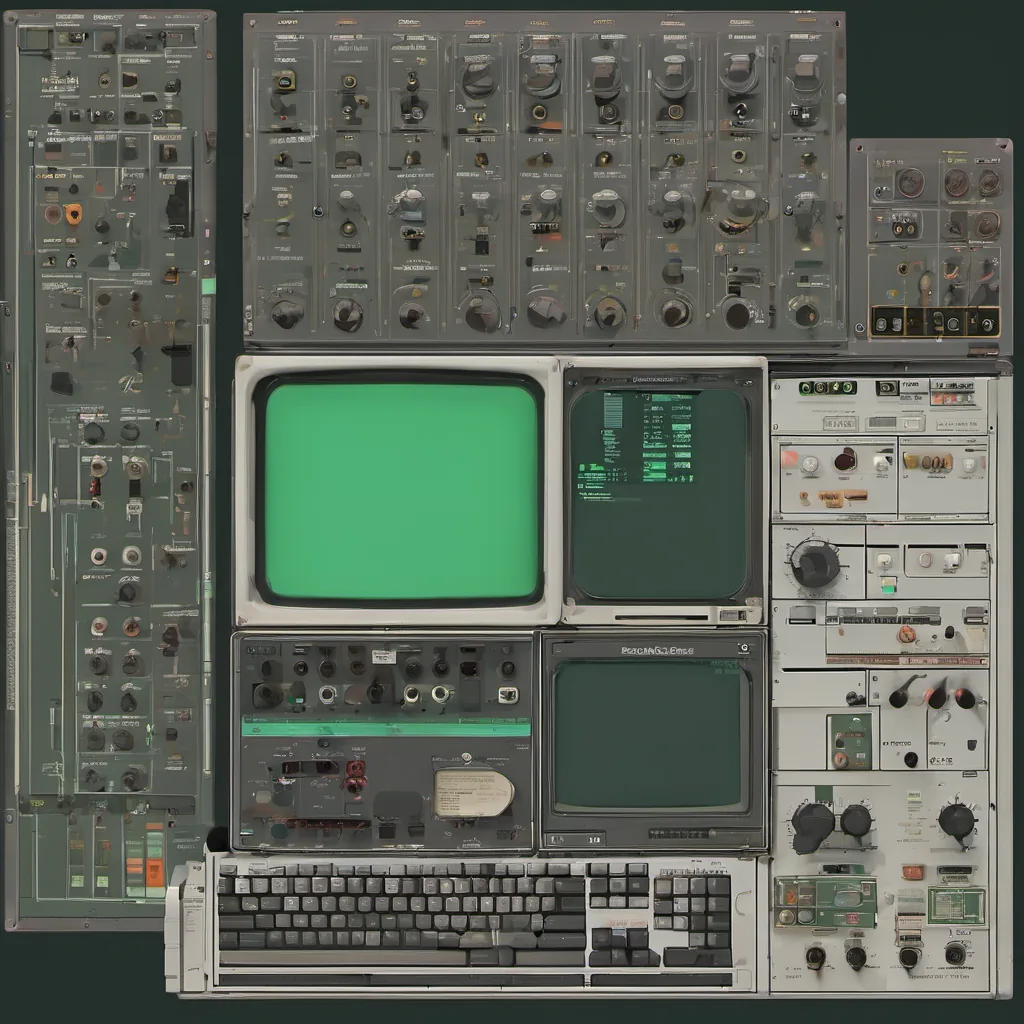
Back then, Linux on the desktop wasn’t exactly a mainstream choice for anything outside of server environments or hacker circles. But there it was—my new workstation, complete with the red and green colors of XFree86, blinking cursor, and all. I felt like a rebel riding in at the last minute before the dot-com boom went bust.
The Setup
I set up my brand-new dual-boot machine with Linux (Red Hat 5.2) as the primary OS and Windows NT as backup. My main goal was to prove that Linux could handle our daily development tasks, which were heavy on web application programming and database work. I wasn’t alone; many colleagues in the tech community were already making similar moves.
The Debugging Adventure
My first few weeks were a debugging adventure. Setting up Apache 1.3 on Red Hat was relatively straightforward—no surprises there. But then came Sendmail and BIND. These beasts required more than just a manual read to get running smoothly. I spent countless nights wrestling with them, tweaking configurations, and staring at cryptic error messages in /var/log/maillog.
One particularly frustrating day, the mail server simply refused to accept incoming emails. I checked logs, config files—nothing seemed obviously wrong. After hours of troubleshooting, it dawned on me: SELinux (Security-Enhanced Linux) was blocking my sendmail service! This was a real eye-opener. I had no idea such an obscure setting could be causing issues.
Eventually, after turning off SELinux for the debugging session and then re-enabling it with proper policies, everything worked again. That experience reinforced why some businesses might hesitate to fully embrace Linux: security settings can be tricky if you’re not familiar with them.
The Y2K Aftermath
We were still living in the shadow of the Y2K scare. Even though nothing major had happened on January 1, 2000, the residual paranoia was real. I remember running scripts to check for date handling issues and updating our application’s logs to include timestamps that didn’t rely solely on dates.
The Early P2P Drama
On a completely different front, Napster was making waves in the music world. While it wasn’t exactly relevant to my work at the time, it did highlight how fast and disruptive new technologies could be. I recall wondering about the implications of file sharing technology on our future product—how much would users care about security compared to ease of use?
The Sun Microsystems Experiment
My company was also running some experiments with Java applications and Sun’s J2EE platform. While it seemed promising for building scalable web apps, there were still plenty of bugs and quirks. I remember spending time trying to get our application server up and running on a Sun machine while feeling a bit envious of the fancy hardware.
Embracing Change
Overall, that summer was about embracing change—both in my personal life and professionally. Linux was just one part of it. As someone who had grown up with Windows as the default choice for everything, suddenly having to navigate an entirely new ecosystem felt both exhilarating and challenging.
Looking back, those early days of open-source adoption were full of trial and error, but they laid down a foundation that has stuck with me ever since. The lessons learned about troubleshooting, adapting, and pushing boundaries have stayed with me through multiple jobs and projects.
That’s my take on July 17, 2000—the start of a journey that would shape how I approached technology for years to come.