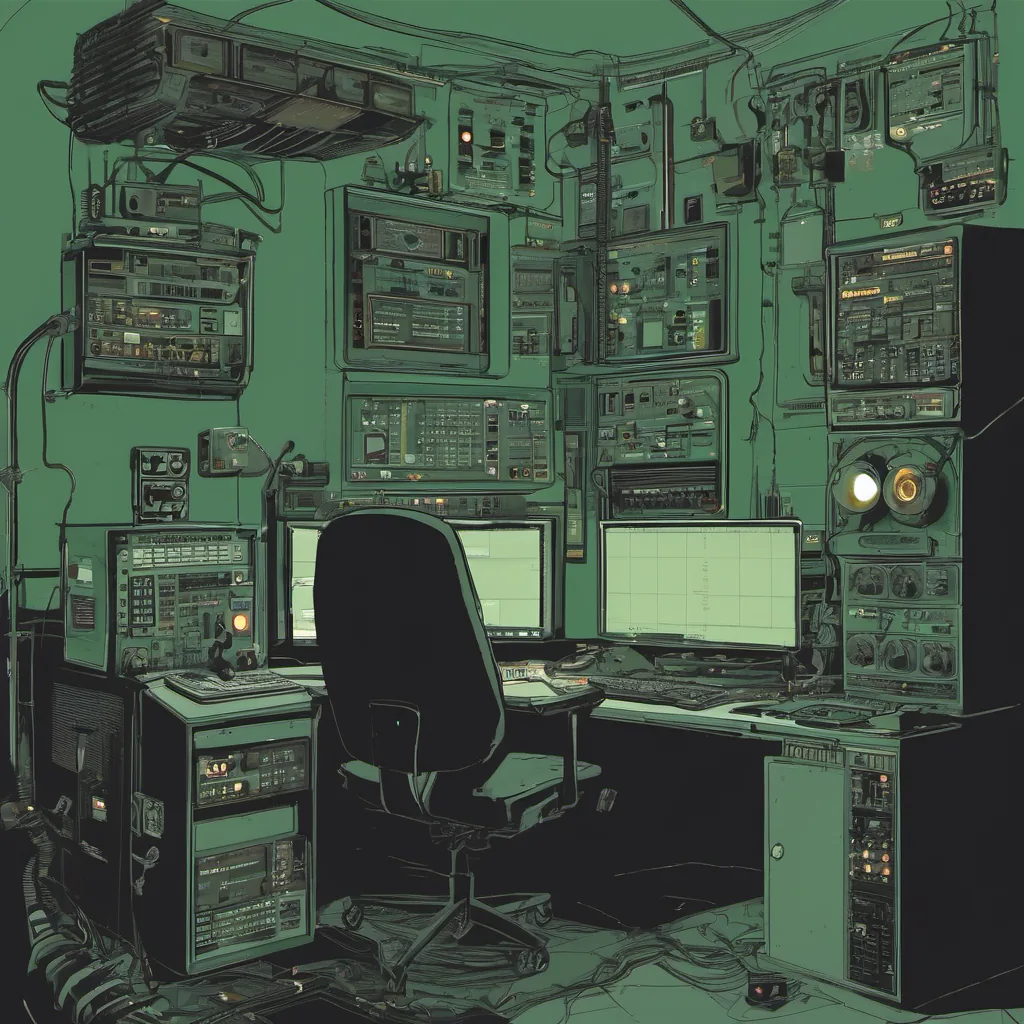
$ cat post/telnet-to-nowhere-/-the-pipeline-hung-on-step-three-/-it-ran-in-the-dark.md
telnet to nowhere / the pipeline hung on step three / it ran in the dark
Title: Debugging and Diving into EC2
April 14, 2008. I’m sitting in my office at work, surrounded by the usual chaos of multiple screens, a keyboard that’s seen better days, and various cups of cheap coffee. It’s been a while since we started playing with Amazon’s Elastic Compute Cloud (EC2), but today, I’m in for an unexpected debugging marathon.
We had a couple of EC2 instances running our application, and they were performing alright—until yesterday when the traffic suddenly doubled due to some blog posts going viral. Suddenly, everything was slow as molasses. Users started complaining about timeouts, and I could see the red alerts flashing on my monitoring dashboard.
I fired up another instance to balance the load, but that didn’t solve the issue completely. The real problem turned out to be more complex than expected. It wasn’t just a matter of scaling; we were dealing with network latency and request handling within our application.
First step was to gather logs from both the frontend and backend services. I spent hours sifting through hundreds of lines of log data, trying to correlate the requests that were timing out. This was no small task, especially since our logging wasn’t exactly optimized for this kind of analysis.
Then came the moment of truth: I fired up a TTY session on one of the instances and started running some basic network diagnostics like ping and traceroute. The results were eye-opening. Our requests were taking a longer time to reach the backend, but not consistently. This pointed towards network issues rather than just our application.
I reached out to my friend from AWS support, hoping they had some insights or tools we could use. They suggested using CloudWatch for more detailed metrics and provided us with some tips on how to set up our environment better. Armed with this knowledge, I went back to the drawing board.
One of the first things I did was tweak our network configuration within EC2. We switched from NAT instances to a VPC setup, which gave us more control over the routing and improved our overall network performance. It wasn’t instantaneous—EC2 is still not magic—and we needed to redeploy some of our instances to ensure everything was in place.
Another critical change involved optimizing our database queries. We had been running SQL statements that were too complex, leading to longer response times. By simplifying these queries and implementing a caching layer (Memcached), we saw significant improvements in performance. This wasn’t the most glamorous fix, but it made a world of difference.
Throughout this process, I couldn’t help but think about how much has changed since I first started working with EC2 a year ago. The initial setup was daunting, and there were many things that seemed unclear or overly complicated. But as we’ve used it more, the ecosystem has grown richer, with better tools and clearer documentation.
Today’s experience reinforced why cloud providers like AWS are so valuable. They provide a framework within which you can experiment, fail, and learn without the upfront investment of colocation servers. And when things go south, there’s a safety net to fall back on.
As I write this, my fingers are typing away, while behind me, users are happily browsing our site without any hint that we’ve been through hell these past few hours. It’s moments like these that remind me why I love being an engineer—there’s always something new to learn and optimize.
That’s it for today. Time to go get a well-deserved cup of coffee before diving back into the next round of troubleshooting.